

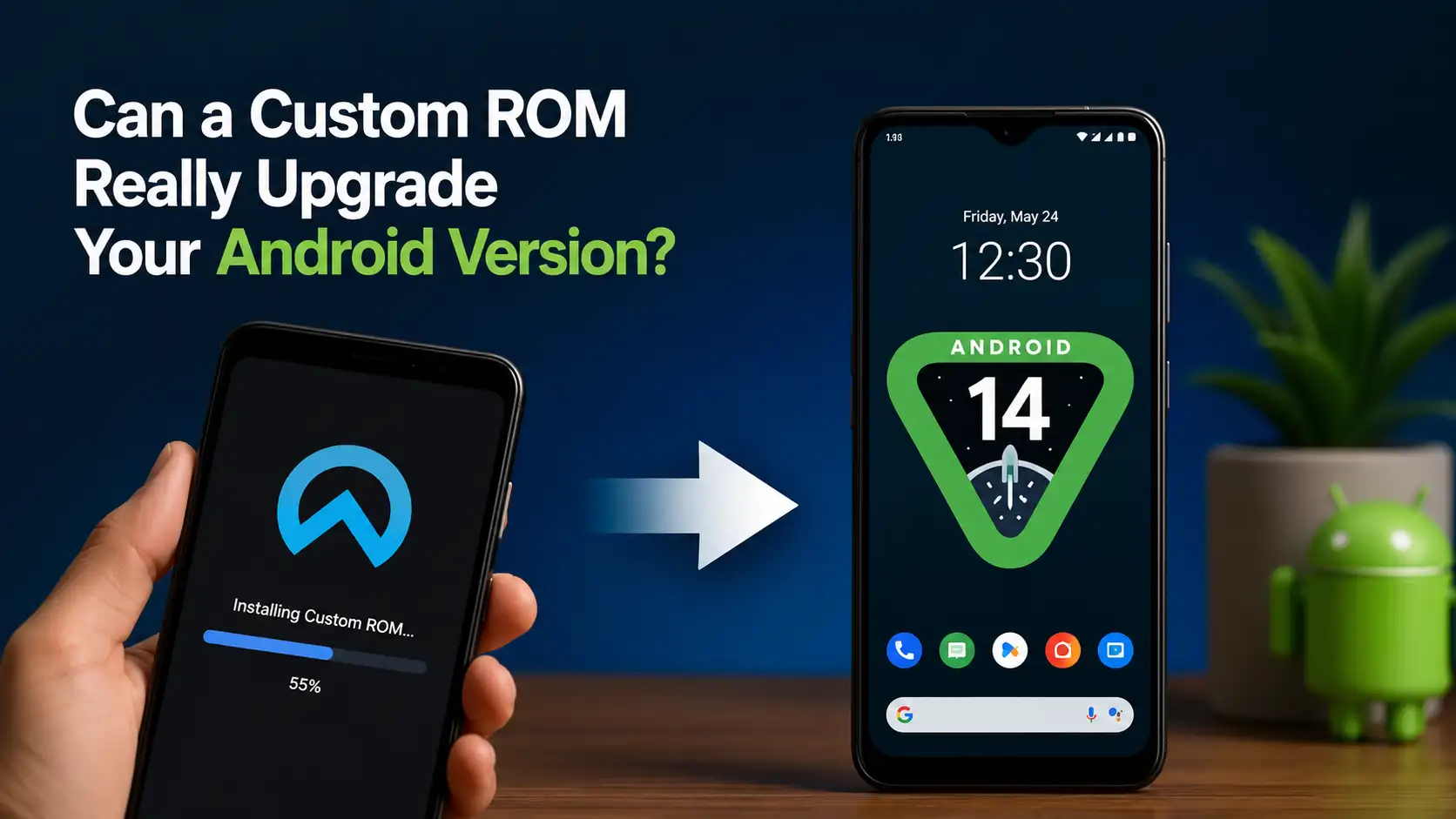
Have you ever looked at your Android phone and wished it could run the latest version of Android? Maybe your device still works perfectly, but the manufacturer has stopped providing software updates. It’s a frustrating situation that millions of Android users experience every year. While flagship phones usually receive updates for several years, many budget and mid-range devices are left behind much sooner.
This is where custom ROMs enter the conversation. If you’ve spent any time browsing Android forums or watching tech enthusiasts on YouTube, you’ve probably heard people claim that installing a custom ROM can breathe new life into an aging smartphone. Some even say it can transform a five-year-old phone into one that feels almost brand new. But is that really true, or is it simply another internet myth?
The short answer is yes—a custom ROM can often upgrade your Android version even after official support has ended. However, the complete answer is much more interesting. Understanding how custom ROMs work, what they can and cannot do, and whether they’re worth installing will help you decide if taking this route is the right choice for your device.
What Is a Custom ROM?
A custom ROM is a modified version of the Android operating system developed by independent developers or open-source communities instead of your phone’s manufacturer. Unlike the firmware that comes pre-installed on your device, a custom ROM is designed to replace the original operating system while keeping your phone compatible with its hardware.
Think of your Android phone like a house. The hardware is the structure, while Android is the furniture and interior design. A custom ROM doesn’t rebuild the house—it simply redesigns the inside, often making it more modern, cleaner, and more efficient. This is why many older phones can continue running newer Android versions long after manufacturers stop releasing official updates.
How a Custom ROM Differs from Stock Android
Stock Android is the software officially provided by Google or customized by smartphone manufacturers like Samsung, Xiaomi, OPPO, vivo, or OnePlus. These companies add their own user interfaces, exclusive features, pre-installed applications, and security enhancements before shipping their devices.
A custom ROM usually removes much of that extra software in favor of a cleaner Android experience. Some ROMs stay very close to Google’s original vision, while others introduce extensive customization options, advanced privacy settings, performance tweaks, and interface improvements that aren’t available on stock firmware.
Why Android Enthusiasts Love Custom ROMs
One of the biggest reasons enthusiasts install custom ROMs is freedom. Instead of waiting for manufacturers to decide when—or if—a phone receives another update, users can choose from multiple ROM projects maintained by active developer communities.
Another major attraction is longevity. Many smartphones become obsolete not because their hardware is too weak, but because official software support ends. A capable processor, sufficient RAM, and a healthy battery can still deliver an excellent experience when paired with a modern Android build. For users who dislike replacing their phones every few years, custom ROMs offer an appealing alternative.
Can a Custom ROM Upgrade Your Android Version?
The simple answer is yes—but only under the right circumstances.
Unlike official updates that depend entirely on the manufacturer, custom ROM developers build newer Android versions using Google’s Android Open Source Project (AOSP). If developers successfully adapt the software to work with your phone’s chipset, display, camera, modem, and other hardware components, your device may run an Android version that the manufacturer never officially released.
For example, a smartphone originally launched with Android 10 and officially updated only to Android 12 might still be capable of running Android 15 or even newer through a well-maintained custom ROM. This is why many devices remain popular within Android communities years after manufacturers discontinue support.
When a Custom ROM Can Bring a New Android Release
The possibility largely depends on developer support. Popular devices with large communities—especially phones from Google, Xiaomi, OnePlus, POCO, Motorola, and older flagship Samsung models—often receive unofficial Android upgrades for many years.
Developers rely on open-source code, existing device trees, vendor files, and community testing to make these upgrades possible. As long as enough contributors remain interested in a particular device, newer Android versions may continue arriving long after official updates have stopped.
Why Some Phones Never Receive Official Updates
Manufacturers face business decisions that community developers don’t. Every software update requires engineering time, testing, certification, bug fixing, carrier approval in some regions, and ongoing security maintenance. Supporting older devices eventually becomes expensive, especially for entry-level smartphones with lower profit margins.
As a result, many perfectly functional phones stop receiving updates not because they’re incapable of running newer Android versions, but because maintaining them is no longer financially practical. Custom ROM communities fill this gap by focusing on compatibility rather than commercial priorities.
For extra protection after upgrading or setting up your device, check out Just Bought a New Android Phone? Change These Security Settings Now.
Benefits of Installing a Custom ROM
Installing a custom ROM is about much more than simply upgrading to a newer Android version. Many users make the switch because they want a faster, cleaner, and more customizable smartphone experience. Since custom ROMs are often built by passionate developers who focus on performance and usability, they frequently remove unnecessary software and optimize the operating system to make the most of the available hardware.
That said, the actual improvements vary depending on the ROM you choose and the capabilities of your phone. Some ROMs prioritize stability and long-term reliability, while others emphasize extensive customization or gaming performance. Understanding these benefits can help you decide whether installing a custom ROM is worth the effort.
Access to New Android Features
Perhaps the biggest advantage is getting access to features that would otherwise never reach your phone. Every new Android release introduces improvements such as enhanced privacy controls, redesigned system interfaces, smarter battery management, better notification handling, and updated security features. With a custom ROM, many of these additions become available even if your manufacturer has officially ended software support.
Better Performance on Older Devices
Older smartphones often slow down because manufacturers continue adding heavier software, background services, and pre-installed applications with every update. Custom ROMs typically eliminate much of this unnecessary overhead, allowing the processor and memory to focus on the tasks that matter most.
As a result, many users notice smoother animations, faster app launches, quicker multitasking, and improved overall responsiveness. While a custom ROM cannot magically turn an entry-level phone into a flagship device, it can help aging hardware perform closer to its full potential by reducing unnecessary resource usage.
Improved Battery Life
Battery optimization is another reason many Android enthusiasts prefer custom ROMs. Numerous ROM developers carefully fine-tune background processes, system scheduling, CPU behavior, and sleep states to reduce unnecessary power consumption without sacrificing everyday usability.
Of course, battery improvements depend on your device, battery health, installed apps, and individual usage habits. Some ROMs prioritize performance over efficiency, while others focus specifically on extending screen-on time. Choosing the right ROM for your needs can make a noticeable difference in daily battery endurance.
More Privacy and Security Controls
Modern custom ROMs often include privacy features that go beyond what many stock Android versions provide. Users can manage application permissions more precisely, disable unnecessary data collection, control network access, and customize security settings to better protect personal information.
Some privacy-focused ROMs even remove proprietary services altogether, giving users greater transparency over how their data is handled. For people who value digital privacy, these additional controls are one of the strongest reasons to explore the custom ROM ecosystem.
Popular Custom ROM Projects
The Android modding community has produced dozens of custom ROMs over the years, but only a handful have earned long-standing reputations for stability, active development, and wide device support. Each project targets a slightly different audience, so choosing the right one depends on what you expect from your smartphone.
Some ROMs focus on delivering a clean, Google-like experience, while others pack in advanced customization options or gaming-oriented optimizations. Fortunately, today’s most popular ROMs are generally much easier to install and maintain than those from a decade ago.
LineageOS
LineageOS is arguably the most well-known custom ROM available today. As the successor to the legendary CyanogenMod project, it supports hundreds of Android devices and is widely recognized for its stability, security updates, and near-stock Android experience.
Instead of overwhelming users with countless settings, LineageOS focuses on delivering a reliable operating system that remains lightweight, efficient, and regularly updated. This makes it an excellent choice for users installing their first custom ROM.
Pixel Experience
Pixel Experience aims to bring Google’s Pixel software experience to non-Pixel smartphones. It includes Google’s launcher, wallpapers, boot animation, icons, fonts, and many exclusive Pixel features, creating an interface that feels almost identical to using an official Google device.
The project emphasizes simplicity rather than excessive customization. If you enjoy Google’s clean Android design and want a familiar user experience without buying a Pixel phone, Pixel Experience has traditionally been one of the most attractive options.
crDroid
crDroid combines the stability of LineageOS with a wide range of additional customization features. Users can personalize the lock screen, status bar, quick settings, navigation gestures, animations, themes, button behavior, and many other parts of the interface without sacrificing overall performance.
Its balance between stability and flexibility has made crDroid especially popular among Android enthusiasts who enjoy fine-tuning every aspect of their phones. Because it supports numerous devices and receives frequent community updates, it remains one of the most recommended custom ROMs for experienced users.
Evolution X
Evolution X is designed for users who want flagship-level software features along with extensive customization. It offers a polished interface inspired by Google’s Pixel devices while adding numerous performance tweaks, visual enhancements, and personalization tools.
Many users appreciate Evolution X because it delivers a premium software experience without requiring dozens of additional modules or modifications. Depending on device support, it can provide excellent performance while keeping the interface modern, responsive, and feature-rich.
Things to Check Before Flashing a Custom ROM
Installing a custom ROM is not something you should rush into. Although the process has become much easier over the years, it still requires careful preparation. Skipping important steps can lead to installation failures, data loss, or even a device that refuses to boot.
Before downloading the first ROM you find online, take time to verify that your specific phone model is officially or unofficially supported. Reading installation guides, browsing community forums, and checking recent user feedback can save you from hours of troubleshooting later.
Bootloader Unlocking
The first requirement for installing almost every custom ROM is unlocking the bootloader. The bootloader acts as a security gate that prevents unauthorized operating systems from being installed. Unlocking it gives you the freedom to replace the manufacturer’s firmware with a custom one.
Keep in mind that the unlocking process differs between brands. Some manufacturers provide official unlocking tools, while others may require waiting periods or developer approval. It’s also worth noting that unlocking the bootloader usually performs a factory reset, so everything stored on the phone will be erased.
Custom Recovery Installation
Once the bootloader is unlocked, you’ll typically need to install a custom recovery environment such as TWRP or another recovery designed specifically for your device. A custom recovery allows you to flash ROM files, install additional packages, wipe system partitions, and create complete backups.
Choosing the correct recovery version is just as important as selecting the right ROM. An outdated or incompatible recovery can cause installation problems or prevent the ROM from booting properly.
Backing Up Your Data
Before making any system-level modifications, create a complete backup of everything that matters. Photos, videos, contacts, documents, application data, and authentication apps should all be safely stored elsewhere before you begin.
Many experienced users also create a full system backup, often called a NANDroid backup, through their custom recovery. This provides a snapshot of the entire operating system, allowing them to restore the phone to its previous state if something goes wrong during installation.
Risks of Installing a Custom ROM
While custom ROMs offer many advantages, they are not completely risk-free. Understanding the potential drawbacks helps you make an informed decision rather than installing one simply because it promises newer Android features.
Fortunately, most risks can be minimized by choosing trusted ROM developers, carefully following installation instructions, and avoiding unofficial downloads from unknown sources.
Warranty Concerns
Unlocking the bootloader and installing unofficial software may affect your warranty, depending on the manufacturer and the regulations in your country. Some brands allow bootloader unlocking without permanently voiding warranty coverage, while others consider software modification grounds for denying certain repair claims.
Even if your warranty has already expired, remember that modifying system software remains your responsibility. Always understand the consequences before proceeding with any installation.
Banking Apps and SafetyNet
One of the most common concerns involves banking applications, mobile payment services, and digital wallet apps. These applications often perform integrity checks to determine whether the device has been modified or rooted.
Modern custom ROMs have significantly improved compatibility with Google’s security verification systems, and many devices can pass integrity checks without additional modifications. However, compatibility isn’t guaranteed. Certain banking apps may still refuse to run depending on the ROM, root status, device configuration, or future security updates.
Software Bugs and Compatibility
No software is completely free of bugs, and custom ROMs are no exception. While mature ROMs can be remarkably stable, some builds may still contain issues affecting cameras, fingerprint readers, Bluetooth, NFC, GPS, Wi-Fi calling, or other hardware-specific functions.
This is especially true for newly released Android versions, where developers may still be working to optimize hardware support. Reading recent release notes and user feedback is one of the best ways to determine whether a particular ROM is stable enough for daily use.
Is Installing a Custom ROM Worth It?
The answer depends entirely on your expectations and your willingness to learn. If your phone no longer receives official Android updates but still has capable hardware, installing a custom ROM can dramatically extend its useful life. You’ll often gain access to newer Android features, monthly security patches, better performance, and a cleaner user experience without purchasing a new device.
On the other hand, custom ROMs aren’t ideal for everyone. If you rely heavily on banking apps, need absolute software stability for work, or simply prefer a phone that “just works” without any technical maintenance, staying on official firmware may be the safer choice. Flashing a ROM requires patience, research, and a basic understanding of Android’s software ecosystem.
For Android enthusiasts, however, custom ROMs remain one of the platform’s greatest strengths. They showcase the flexibility of Android’s open-source foundation and prove that many smartphones still have plenty of life left long after manufacturers have moved on. With proper preparation, the right ROM, and careful installation, upgrading your Android version through a custom ROM can be one of the most rewarding ways to keep an older device fast, secure, and enjoyable to use.
Conclusion
So, can a custom ROM really upgrade your Android version? In many cases, absolutely. Thanks to dedicated developer communities and the Android Open Source Project, countless smartphones continue receiving newer Android versions years after official manufacturer support has ended. This gives users the opportunity to enjoy modern features, improved security, better performance, and greater customization without investing in a brand-new device.
However, installing a custom ROM isn’t a magic solution. Success depends on your device’s compatibility, the quality of the ROM, and your willingness to follow the installation process carefully. There are risks to consider, including software bugs, compatibility issues with certain apps, and the need to unlock the bootloader. If you’re comfortable exploring Android beyond its default limits, a well-maintained custom ROM can be an excellent way to extend your phone’s lifespan and unlock its full potential.
FAQs
1. Can every Android phone install a custom ROM?
No. Whether a custom ROM is available depends on developer support for your specific device. Popular smartphones usually have a wider selection of stable ROMs, while less common models may have little or no community support.
2. Will installing a custom ROM make my phone faster?
In many cases, yes. A lightweight custom ROM can improve performance by removing unnecessary software and optimizing system resources. However, the improvement depends on your phone’s hardware and the ROM you choose.
3. Can I go back to the original Android firmware?
Yes. Most Android phones can be restored to their official firmware by flashing the manufacturer’s stock ROM, provided the correct files are available for your device.
4. Do I need root access to use a custom ROM?
No. Root access and custom ROMs are separate things. Many custom ROMs work perfectly without rooting the device, although some users choose to root afterward for additional features and advanced customization.
5. Are custom ROMs safe to use in 2026?
Yes, as long as you download them from trusted developers and well-known communities. Choosing actively maintained ROMs with regular security updates significantly reduces potential risks and provides a more reliable everyday experience.