

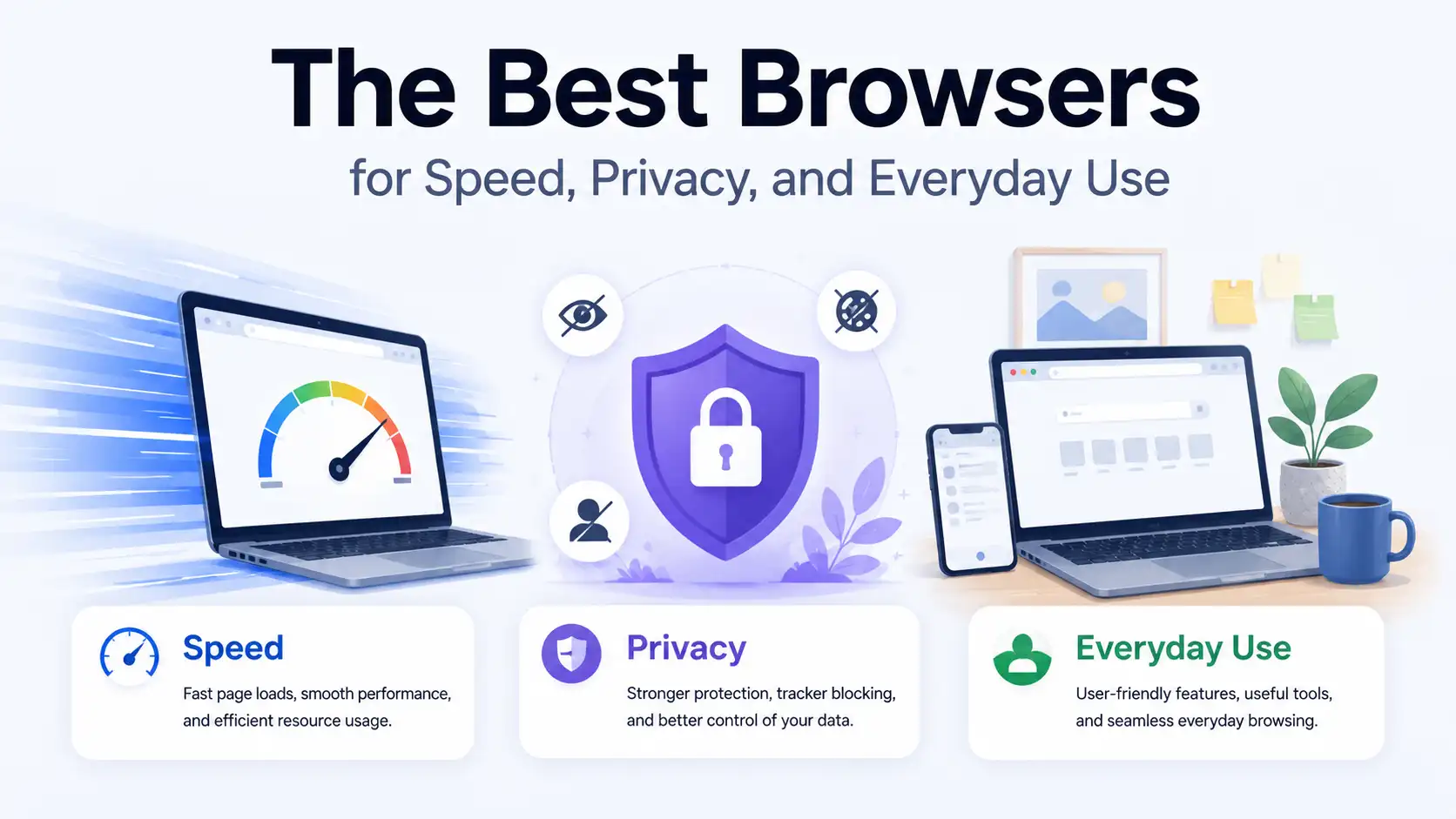
Choosing a web browser may seem like a small decision, but it affects almost everything we do online. Whether you’re working, streaming videos, shopping, reading articles, or simply browsing social media, your browser influences speed, security, battery life, and even how much personal data is collected. In 2026, modern browsers have become far more advanced than they were just a few years ago, offering powerful features tailored to different types of users and devices.
Some people want the fastest browser available, while others prioritize privacy and protection from trackers. There are also users who simply need a reliable browser that works well every day without requiring complicated settings. With so many options available, finding the right one can feel like trying to choose the perfect car—each model has strengths, weaknesses, and features that appeal to different drivers. The good news is that today’s browsers are more capable than ever, making it easier to find one that perfectly suits your needs and habits.
This guide explores the best browsers for speed, privacy, and everyday use. Whether you’re a student, professional, gamer, or someone who values digital privacy, you’ll discover which browser deserves a place on your computer, tablet, or smartphone.
Why Your Browser Matters More Than Ever
Most people spend several hours every day inside a browser. Email, streaming services, cloud storage, office applications, social media, and even gaming platforms all rely heavily on browsers. Because of that, performance and security matter much more than many users realize.
A slow browser can make even a powerful computer feel sluggish. Meanwhile, poor privacy settings may expose browsing habits to advertisers and trackers. Choosing the right browser can improve productivity, extend battery life, and provide a safer and more enjoyable online experience.
What Makes a Great Browser?
Speed and Performance
Fast page loading and efficient memory usage are essential for a pleasant browsing experience. Nobody enjoys waiting for websites to load or dealing with lag when dozens of tabs are open.
Modern browsers use optimized engines to render pages quickly while consuming fewer system resources, making multitasking smoother and helping users remain productive throughout the day.
Privacy Protection
Online privacy has become increasingly important as advertisers and companies collect massive amounts of user data. Built-in protection against trackers and malicious websites is now one of the key factors many people consider when choosing a browser.
Good browsers include tracker blockers, secure browsing technologies, encryption features, and other tools that help keep personal information safe from unwanted surveillance.
Compatibility and Extensions
A browser should work flawlessly with popular websites and support useful extensions. Productivity tools, password managers, note-taking applications, and ad blockers can significantly improve the overall experience.
Compatibility ensures websites function properly without broken layouts or missing features, while extensions allow users to customize their browsing environment according to their needs.
The Best Browsers for Speed, Privacy, and Everyday Use
Google Chrome
Google Chrome continues to dominate the browser market because it delivers an experience that feels familiar, polished, and highly reliable. One of the biggest reasons behind its popularity is its exceptional compatibility with websites and web applications. Whether you’re using Google Docs, YouTube, streaming platforms, online banking services, or productivity tools, Chrome almost always provides a smooth experience. It also benefits from constant updates and improvements from Google, ensuring users receive the latest features and security enhancements regularly.
Another major advantage of Chrome is its enormous extension ecosystem. From ad blockers and grammar checkers to password managers and productivity tools, users can customize the browser to fit almost any need. Synchronization across devices is another area where Chrome excels, allowing bookmarks, passwords, tabs, and browsing history to follow you seamlessly between computers and smartphones. While Chrome is undeniably fast and versatile, users with older systems may notice higher RAM consumption when many tabs are opened simultaneously. Despite this drawback, Chrome remains one of the strongest choices for everyday users who prioritize convenience, compatibility, and a polished browsing experience.
Strengths of Chrome
- Excellent website compatibility
- Huge extension library
- Fast page loading
- Cross-platform synchronization
- Frequent updates
Weaknesses of Chrome
- High memory consumption
- Limited privacy compared to competitors
Mozilla Firefox
Mozilla Firefox has long established itself as one of the best alternatives to Chromium-based browsers, particularly among users who value privacy and customization. Developed by Mozilla, a non-profit organization dedicated to maintaining an open internet, Firefox focuses heavily on transparency and user control. Unlike many competing browsers that are tied to large advertising ecosystems, Firefox puts significant emphasis on protecting personal data and limiting tracking technologies that follow users across websites.
Performance has improved considerably over the years, making Firefox much faster and more efficient than many people remember. Its Enhanced Tracking Protection automatically blocks many third-party trackers, providing a safer browsing experience without requiring additional extensions. Firefox also offers deep customization options, allowing users to personalize the interface and browsing behavior according to their preferences. Although some websites are optimized primarily for Chromium browsers, Firefox remains highly compatible with most modern web services. For users who want a browser that balances speed, flexibility, and strong privacy protection, Firefox continues to be one of the most compelling choices available.
Strengths of Firefox
- Strong privacy features
- Highly customizable
- Open-source development
- Excellent extension support
Weaknesses of Firefox
- Some websites are optimized primarily for Chromium browsers
Microsoft Edge
Microsoft Edge has undergone a remarkable transformation since Microsoft rebuilt it using the Chromium engine. What was once considered a weak competitor has evolved into one of the most efficient and feature-rich browsers available today. Edge combines excellent website compatibility with impressive speed and better memory management than many competing browsers. This makes it especially attractive for users who often keep dozens of tabs open or work extensively throughout the day.
One of Edge’s standout features is its collection of productivity tools designed to improve multitasking and efficiency. Features such as Sleeping Tabs automatically reduce resource consumption from inactive tabs, helping laptops preserve battery life and maintain smooth performance. Vertical tabs, collections, and built-in PDF capabilities further enhance the browsing experience. Edge also integrates seamlessly with Windows, making it particularly appealing to users within Microsoft’s ecosystem. Although Microsoft occasionally displays recommendations and promotional prompts that some users may find intrusive, Edge has matured into one of the most balanced browsers for speed, efficiency, and everyday use.
Strengths of Edge
- Fast and efficient
- Great battery life on laptops
- Built-in productivity features
- Excellent compatibility
Weaknesses of Edge
- Numerous Microsoft prompts and suggestions
Brave Browser
Brave Browser has become increasingly popular among users who want strong privacy protections without sacrificing speed or compatibility. Built on Chromium, Brave maintains support for most Chrome extensions while introducing a powerful set of privacy-focused features. Unlike traditional browsers that require users to install separate ad blockers and tracker blockers, Brave includes these protections by default. As a result, many websites load faster because unnecessary advertisements and tracking scripts are prevented from loading in the first place.
Another reason many privacy enthusiasts appreciate Brave is its commitment to minimizing data collection. The browser blocks invasive trackers automatically and even includes private browsing with Tor integration for users seeking an additional layer of anonymity. Despite its emphasis on privacy, Brave remains easy to use and highly compatible with modern websites and applications. Some websites may occasionally require users to disable Brave Shields temporarily for full functionality, but this inconvenience is relatively minor. Overall, Brave provides an excellent combination of performance, security, and privacy, making it one of the strongest alternatives to mainstream browsers.
Strengths of Brave
- Built-in ad blocker
- Excellent privacy tools
- Fast browsing performance
- Chromium compatibility
Weaknesses of Brave
- Some websites may require disabling shields
Opera
Opera has managed to maintain a loyal user base by offering unique features that distinguish it from other browsers. While many browsers focus solely on speed and compatibility, Opera adds convenience through integrated tools that eliminate the need for additional extensions. Built-in messaging applications, music players, battery-saving modes, and VPN functionality make Opera particularly appealing to users who appreciate an all-in-one browsing experience. Its modern design and intuitive interface also contribute to its popularity among casual users.
Opera’s performance is generally fast and responsive thanks to its Chromium foundation, ensuring compatibility with most websites and Chrome extensions. The browser also offers specialized versions such as Opera GX, which targets gamers with CPU, RAM, and network usage controls. These features allow users to manage system resources while gaming or multitasking. Although Opera’s extension ecosystem is smaller compared to Chrome, its built-in tools compensate for this limitation in many cases. For users looking for a feature-packed browser that combines entertainment and productivity, Opera remains a compelling option.
Strengths of Opera
- Built-in VPN
- Attractive interface
- Integrated messaging tools
- Battery-saving mode
Weaknesses of Opera
- Smaller extension ecosystem
Safari
Safari remains one of the most optimized browsers available, particularly for users deeply invested in Apple’s ecosystem. Designed specifically for macOS, iPhone, and iPad devices, Safari takes full advantage of Apple’s hardware and software integration. This optimization translates into exceptional performance, smooth scrolling, and outstanding battery efficiency. Users often find that MacBooks running Safari last significantly longer on battery compared to when they use third-party browsers, making it a preferred option for professionals and students alike.
Privacy is another area where Safari excels. Features such as Intelligent Tracking Prevention help reduce cross-site tracking and limit the amount of data advertisers can collect. Safari also synchronizes passwords, bookmarks, tabs, and browsing history effortlessly across Apple devices through iCloud. While its extension ecosystem is smaller than that of Chrome and some advanced users may feel restricted by the lack of cross-platform support, Safari delivers one of the most polished and efficient browsing experiences available. For Apple users seeking speed, security, and excellent battery life, Safari continues to be one of the best browsers for everyday use.
Strengths of Safari
- Outstanding battery efficiency
- Excellent optimization
- Strong privacy tools
- Seamless Apple integration
Weaknesses of Safari
- Limited to Apple devices
If you’re interested in making your browsing experience not only faster and safer but also more mindful, you might enjoy reading Tired of Doomscrolling? Try Cat Gatekeeper on Chrome. This unique Chrome extension helps reduce endless scrolling habits by adding a playful yet effective barrier between you and distracting websites, making it easier to stay focused while using your browser every day.
Best Browser for Speed
When pure speed is the priority, Chrome, Edge, and Brave consistently rank among the fastest browsers available today. Their Chromium-based architecture enables rapid page rendering and broad compatibility with modern websites and applications.
Edge often stands out because of its efficient resource management and battery optimization. Meanwhile, Brave gains additional speed advantages by blocking advertisements and trackers before they load, reducing unnecessary network traffic and making browsing feel even faster.
Best Browser for Privacy
Privacy-focused users generally gravitate toward Brave and Firefox because both browsers prioritize user protection and minimize unnecessary data collection. Built-in tracker blocking and customizable privacy settings make them attractive choices for people who value online anonymity.
Brave blocks ads and trackers by default, while Firefox provides transparency through its open-source nature and extensive privacy options. Both browsers offer excellent protection without sacrificing usability and performance.
Best Browser for Everyday Use
Microsoft Edge strikes an excellent balance between speed, efficiency, and useful features. Its optimization for Windows systems and resource-saving technologies make it one of the best all-around browsers available.
Chrome also remains a fantastic choice for users deeply invested in Google’s ecosystem. Seamless synchronization, massive extension support, and excellent compatibility continue to make Chrome a favorite among millions of users worldwide.
Which Browser Uses the Least RAM?
Many users with older laptops or limited hardware resources worry about memory consumption because excessive RAM usage can slow down multitasking and reduce overall performance.
Microsoft Edge generally manages memory more efficiently than Chrome. Firefox also performs well on lower-end systems, while Brave provides impressive speed and strong privacy features without consuming excessive resources.
Browser Security Features You Should Look For
Tracker Blocking
Modern browsers should automatically block malicious trackers and invasive advertisements. These protections improve both privacy and browsing performance.
Built-in tracker blocking reduces exposure to targeted advertising and minimizes unwanted data collection, giving users greater control over their online activities.
Password Management
Integrated password managers simplify login management and encourage stronger password habits. They also eliminate the need to remember dozens of complicated passwords.
Most modern browsers include secure password generation and synchronization across devices, making account security much easier to maintain.
Safe Browsing Protection
Malicious websites and phishing attacks remain common threats. Browsers equipped with safe browsing databases can warn users before dangerous pages load.
This additional layer of defense helps prevent malware infections, stolen credentials, and fraudulent websites from compromising sensitive information.
Desktop vs Mobile Browsers
Desktop browsers prioritize multitasking, productivity features, and extension support. They provide greater flexibility for users who spend long hours working or studying online.
Mobile browsers focus more on battery life, data efficiency, and simplified interfaces. Synchronization features allow users to move seamlessly between computers and smartphones without losing tabs, bookmarks, or passwords.
Should You Use More Than One Browser?
Using multiple browsers can actually be beneficial. Some users dedicate one browser to work and another to personal browsing. Others use Chrome for compatibility and Brave for privacy-sensitive activities.
Think of browsers like tools in a toolbox. A hammer is excellent for nails, but you wouldn’t use it for every task. Having more than one browser can provide flexibility, better organization, and improved security.
How Browser Extensions Enhance Productivity
Extensions transform browsers into powerful workstations. Password managers, note-taking apps, grammar checkers, screenshot tools, and ad blockers can dramatically improve efficiency and convenience.
However, installing too many extensions can negatively affect performance. Selecting only essential add-ons helps maintain speed, stability, and overall browser responsiveness.
Future Trends in Web Browsers
Artificial intelligence is becoming increasingly integrated into modern browsers. AI assistants, smarter search functions, and automated productivity features are changing how people interact with the web.
Privacy enhancements, battery optimization, and energy efficiency are also expected to become larger priorities. Future browsers will likely focus on balancing convenience, speed, and stronger user protection.
Conclusion
The best browser ultimately depends on your priorities and browsing habits. If speed and compatibility matter most, Google Chrome remains a solid option. Microsoft Edge offers one of the best balances between performance and resource efficiency. Firefox excels in customization and privacy, while Brave provides outstanding protection against trackers and advertisements. Apple users can rely on Safari for exceptional optimization and battery life.
There is no universal winner because every user has different needs and preferences. Fortunately, modern browsers are better than ever, and trying multiple options costs nothing. Whether you value speed, privacy, productivity, or everyday convenience, there is a browser perfectly suited to your digital lifestyle.
FAQs
1. Which browser is the fastest in 2026?
Google Chrome, Microsoft Edge, and Brave are among the fastest browsers available. Microsoft Edge often provides the best balance between speed and memory efficiency.
2. Which browser offers the best privacy?
Brave and Mozilla Firefox are widely regarded as two of the strongest privacy-focused browsers thanks to their built-in tracker protection and reduced data collection practices.
3. Is Chrome still the most popular browser?
Yes. Google Chrome remains the most widely used browser because of its compatibility, extension support, and seamless integration with Google’s services.
4. Which browser consumes the least RAM?
Microsoft Edge generally uses memory more efficiently than Chrome, while Firefox and Brave also perform very well on lower-end computers and laptops.
5. Should I use multiple browsers?
Yes. Using different browsers for work, personal activities, streaming, or privacy-sensitive tasks can improve organization and provide greater flexibility.