

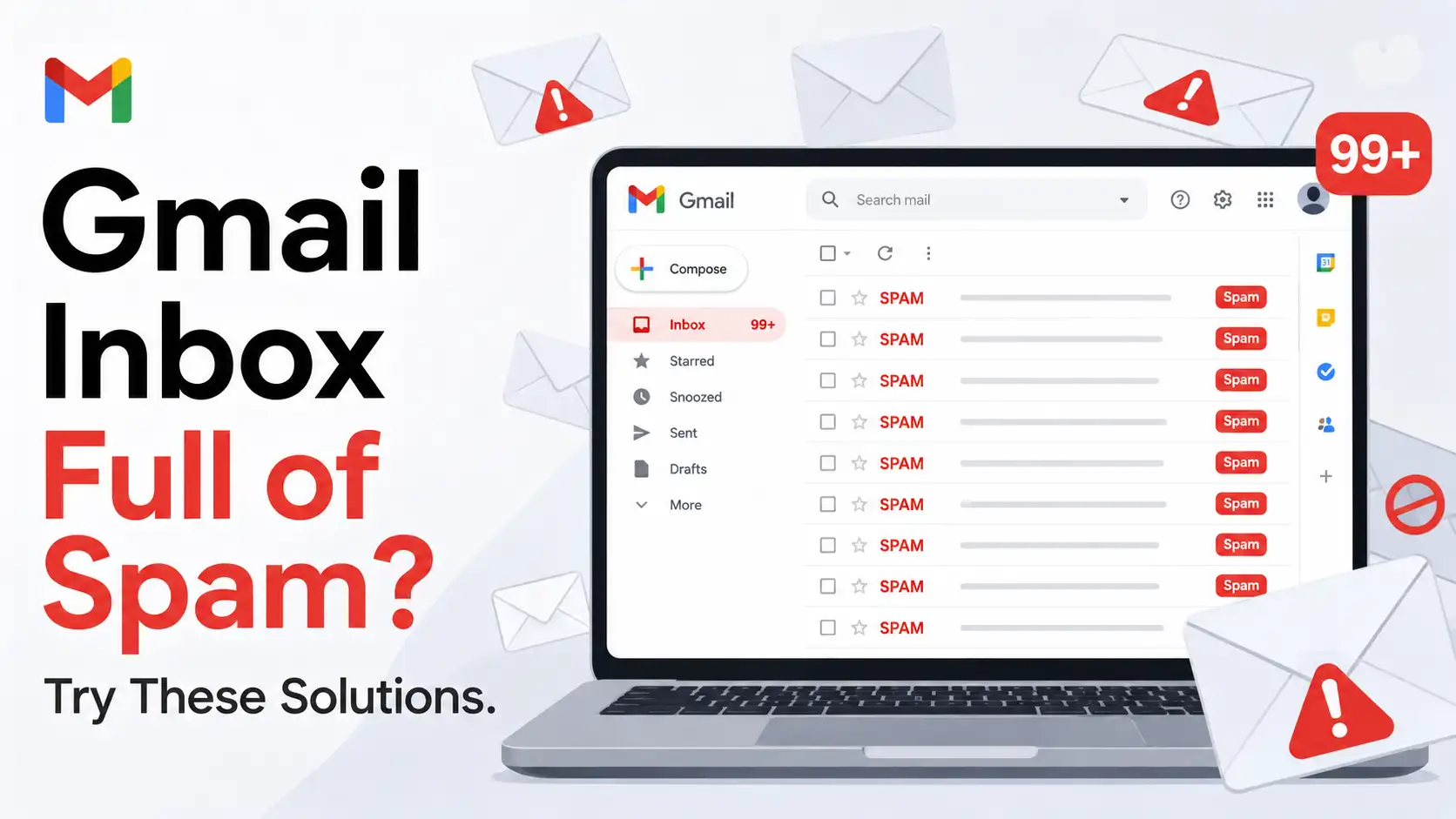
Spam emails have become one of the most common frustrations for Gmail users. What starts as a few unwanted messages can quickly turn into dozens of emails arriving every day, cluttering your inbox with promotions, fake notifications, suspicious offers, phishing attempts, and newsletters you barely remember subscribing to. As the volume increases, finding important messages from friends, coworkers, clients, schools, banks, or online services becomes increasingly difficult. Instead of serving as an efficient communication tool, your inbox can begin to feel like a storage room packed with junk that constantly demands attention.
Beyond being annoying, spam can also create serious security concerns. Modern scammers have become incredibly sophisticated, often creating emails that closely resemble messages from trusted organizations. A fake email pretending to be from your bank, delivery company, streaming service, or social media platform may look convincing enough to trick unsuspecting users into clicking dangerous links or revealing sensitive information. This is why managing spam isn’t just about keeping your inbox tidy—it’s also about protecting your privacy, finances, and online security.
Fortunately, Gmail offers a variety of tools and features designed to combat unwanted emails. Combined with good inbox habits and stronger account security practices, these solutions can significantly reduce spam and help you regain control over your inbox.
Why Gmail Spam Has Become a Bigger Problem
Email remains one of the most important communication channels in the digital world. Businesses rely on email for customer communication, invoices, support requests, and marketing campaigns. Educational institutions use it for announcements and academic updates, while online platforms depend on it for account verification, password recovery, and notifications. Because email is used so extensively, it naturally attracts marketers, advertisers, scammers, and cybercriminals who see it as an efficient way to reach millions of people.
The problem has grown over the years because people share their email addresses more frequently than ever before. Every time you sign up for a website, create an account on an online store, download a free resource, participate in a giveaway, subscribe to a newsletter, or register for an event, your email address enters another database. While many organizations handle customer information responsibly, others share data with marketing partners or use aggressive promotional strategies that contribute to inbox overload.
Data breaches have made the situation even worse. When companies experience security incidents, customer information can be exposed and distributed across various networks. Email addresses are often among the first pieces of information to be leaked. Once exposed, they may circulate among advertisers, marketers, and spammers, leading to a noticeable increase in unwanted messages. This combination of widespread data collection and recurring data breaches has made spam a much larger problem than it was a decade ago.
What Counts as Spam in Gmail?
Spam is generally defined as any unsolicited or unwanted email that arrives without your permission. However, spam exists on a spectrum. At one end are relatively harmless marketing emails that promote products, services, discounts, and newsletters. While these messages can be annoying, they are usually not dangerous. At the other end are malicious emails specifically designed to deceive users into clicking harmful links, downloading malware, or providing sensitive personal information.
Many modern spam campaigns imitate trusted organizations so convincingly that even experienced internet users may struggle to distinguish them from legitimate communications. A fake package delivery notification, account security alert, or banking message can look almost identical to a real one. These emails often create urgency, encouraging recipients to act quickly without carefully evaluating the situation.
Understanding the different forms of spam is essential because it helps users make better decisions when handling suspicious messages. The ability to recognize warning signs can prevent security incidents while also making inbox management more effective.
Solution 1: Mark Unwanted Emails as Spam
Train Gmail’s Spam Filter
One of the most effective ways to reduce spam is also one of the simplest. Whenever an unwanted email appears in your inbox, you should actively mark it as spam rather than ignoring it. Gmail uses advanced machine-learning technology to identify suspicious messages, but the system becomes significantly more effective when users provide feedback. Every time you report a message as spam, Gmail analyzes various characteristics of that email, including sender information, content, embedded links, attachments, formatting patterns, and sending behavior. This information helps the platform recognize similar messages in the future and prevent them from reaching your inbox.
Over time, Gmail’s spam filter becomes increasingly accurate because it learns from the actions of millions of users. Think of it as training a personal assistant. The more examples you provide of what you consider unwanted, the better that assistant becomes at filtering future messages. Consistently marking spam helps create a cleaner inbox while contributing to improvements that benefit the broader Gmail community as well.
Avoid Simply Deleting Spam
Many users make the mistake of deleting spam messages without reporting them. Although deletion removes the immediate annoyance from your inbox, it does little to improve Gmail’s ability to identify future spam. When you delete a message, Gmail receives no meaningful signal indicating that the email was unwanted. As a result, similar messages may continue appearing in your inbox repeatedly.
Reporting spam requires only a few additional seconds but provides much greater long-term value. Instead of merely removing a single message, you’re helping Gmail strengthen its filtering system and reduce future interruptions. Developing the habit of reporting spam rather than deleting it can significantly improve inbox quality over time and reduce the number of unwanted emails that reach your primary inbox.
Solution 2: Unsubscribe from Legitimate Mailing Lists
Identify Promotional Emails
Not every unwanted email is technically spam. In many cases, inbox clutter comes from legitimate companies and services that you willingly subscribed to in the past. Perhaps you signed up for a retailer’s newsletter to receive a discount code, downloaded a free guide that required an email address, or subscribed to updates from a website that once interested you. While these subscriptions may have been useful initially, they often continue long after their value has disappeared. Over months or years, dozens of subscriptions can accumulate, resulting in a constant stream of promotional emails that flood your inbox.
Taking time to review recurring senders can reveal just how much inbox clutter originates from subscriptions you no longer care about. Many users discover that a significant percentage of their daily email volume comes from marketing campaigns they never read. By identifying these sources, you can begin reducing unnecessary email traffic and make it easier to focus on messages that genuinely matter.
Use Gmail’s Unsubscribe Feature
Gmail includes a convenient unsubscribe feature that simplifies the process of leaving mailing lists. Rather than searching through lengthy emails for tiny unsubscribe links hidden at the bottom, Gmail often displays an unsubscribe option directly near the sender information. This makes it much easier to remove yourself from promotional lists that no longer provide value.
Unsubscribing addresses the root cause of inbox clutter instead of repeatedly dealing with the symptoms. Every subscription you remove is one less source of future interruptions. Over time, eliminating dozens of unnecessary mailing lists can dramatically reduce the number of emails arriving each day, creating a calmer and more manageable inbox environment.
Solution 3: Block Persistent Senders
Stop Repeat Offenders
Sometimes unsubscribing isn’t enough. Certain senders continue delivering messages despite your efforts to stop them, while others may not offer a legitimate unsubscribe option at all. In these situations, Gmail’s blocking feature becomes extremely useful. Blocking a sender automatically redirects future emails from that address away from your inbox and into the Spam folder, reducing the likelihood that you’ll be interrupted by unwanted messages.
This feature is particularly effective against persistent marketers, nuisance contacts, and suspicious senders whose emails consistently provide no value. Rather than manually deleting every message that arrives, you can establish a more permanent solution that minimizes future disruptions and helps maintain a cleaner inbox.
Know the Limitation
Although blocking is powerful, it’s important to understand its limitations. Some organizations use multiple sending addresses or frequently change domains, meaning that blocking a single email address may not eliminate every message they send. As a result, blocking works best when combined with other strategies such as spam reporting, unsubscribing, and custom filtering.
Think of blocking as one layer of protection within a broader spam-management strategy. While it may not solve every problem on its own, it can significantly reduce unwanted email traffic and improve overall inbox organization.
Solution 4: Create Powerful Gmail Filters
Automate Inbox Management
Gmail filters are among the platform’s most powerful organizational tools, yet many users never take full advantage of them. Filters allow you to create automated rules that determine how specific emails should be handled. Instead of manually sorting messages every day, you can instruct Gmail to archive, delete, label, forward, or skip inbox placement automatically based on criteria such as sender, subject, keywords, or content.
Automation reduces repetitive tasks and helps maintain consistency in inbox management. For users who receive large volumes of email daily, filters can save considerable time while preventing clutter from accumulating. Once configured, they continue working silently in the background, ensuring that your inbox remains organized without constant manual effort.
Filter by Keywords
Many spam campaigns rely on predictable language and recurring phrases. Emails promoting questionable investments, miracle health products, fake giveaways, and other suspicious offers often contain similar keywords. Creating filters that target these patterns can provide an additional layer of protection beyond Gmail’s built-in spam detection.
Keyword-based filters are also useful for organizing legitimate communications. For example, you can automatically label invoices, receipts, project updates, or newsletters, making them easier to find later. This flexibility transforms Gmail from a basic email platform into a highly personalized productivity tool tailored to your specific needs.
If you’re looking for a creative way to reduce distractions and spend less time endlessly scrolling through social media, check out Tired of Doomscrolling? Try Cat Gatekeeper on Chrome to discover how this unique Chrome extension can help you build healthier browsing habits and stay focused throughout the day.
Solution 5: Check Whether Your Email Was Leaked
Data Breaches Can Increase Spam
If your inbox suddenly begins receiving significantly more spam than usual, a data breach may be responsible. When organizations experience security incidents, customer information can be exposed, including email addresses. Once leaked, those addresses often circulate among advertisers, spammers, and cybercriminals, resulting in a noticeable increase in unwanted messages.
A sudden surge in spam can therefore serve as an early warning sign that your information has been compromised somewhere online. While you may not always know exactly where the exposure occurred, recognizing the possibility allows you to take appropriate steps to strengthen your security and remain vigilant for suspicious activity.
Take Immediate Action
If you suspect your email address has been exposed, it’s important to act quickly. Start by updating passwords for important accounts, especially if you’ve reused passwords across multiple services. Consider enabling additional security features such as two-factor authentication and monitoring account activity more closely.
While you cannot completely erase your email address from circulation once it has been leaked, strengthening your security posture can reduce the likelihood of more serious consequences. Proactive action is often the best defense against problems that may arise from data exposure.
Solution 6: Enable Two-Factor Authentication
Protect Your Gmail Account
Spam is frustrating, but unauthorized access to your Gmail account can be far more damaging. Two-factor authentication adds an extra layer of security by requiring a second verification method during login. Even if an attacker somehow obtains your password, they still need access to the additional authentication factor before gaining entry.
This dramatically reduces the risk of account compromise and provides a level of protection that passwords alone cannot offer. Given how many online accounts rely on email for recovery and verification, protecting Gmail should be considered a top priority.
Reduce Security Risks
A compromised Gmail account can expose personal information, financial data, private conversations, and access to other services linked to your email address. Attackers often target email accounts because they serve as gateways to numerous other platforms.
Enabling two-factor authentication is one of the most effective security improvements available. The small amount of effort required to set it up can prevent significant problems and provide peace of mind knowing that your account is much harder to compromise.
Solution 7: Review Third-Party App Access
Remove Unnecessary Permissions
Over time, many users connect numerous applications and services to their Google accounts. Some of these connections remain active long after the associated apps have been abandoned or forgotten. Reviewing account permissions periodically helps identify services that no longer require access.
Removing unnecessary permissions reduces potential security risks and gives you greater control over your digital environment. It also minimizes opportunities for third parties to access account information that they no longer need.
Keep Only Trusted Services
Limiting access to trusted services is a simple but effective security practice. The fewer applications connected to your Gmail account, the fewer potential entry points exist for misuse or compromise.
Regularly evaluating connected services helps maintain better privacy, improves account security, and ensures that only necessary applications retain access to your information.
Solution 8: Avoid Interacting with Spam Emails
Don’t Click Suspicious Links
Curiosity often works in favor of scammers. Clicking links in suspicious emails may confirm that your email address is active, encouraging additional spam in the future. More importantly, those links may lead to phishing websites designed to steal passwords, financial information, or personal data.
Even if an email appears legitimate at first glance, it’s important to verify its authenticity before interacting with any links. When in doubt, visit the organization’s official website directly instead of using links provided in the message.
Never Download Unknown Attachments
Attachments remain one of the most common methods for distributing malware. Cybercriminals frequently disguise malicious files as invoices, receipts, account statements, shipping documents, or other routine communications.
Opening these files can expose your device to viruses, ransomware, spyware, and other threats. Exercising caution with unexpected attachments is one of the simplest ways to protect both your device and your personal information.
Solution 9: Use Gmail Categories Effectively
Separate Important Messages
Gmail’s category system automatically sorts emails into sections such as Primary, Promotions, Social, and Updates. This separation helps prevent marketing messages from competing directly with important communications.
By allowing Gmail to categorize emails appropriately, users can focus on high-priority messages while still retaining access to promotional and informational content when needed. This organizational structure reduces distractions and improves inbox efficiency.
Customize Categories
Every user has different preferences and priorities. Gmail allows categories to be customized so that the inbox reflects your specific workflow and communication needs.
Adjusting category settings and notifications helps ensure that important messages receive immediate attention while less urgent emails remain organized in dedicated sections.
Solution 10: Regularly Clean Your Inbox
Develop Better Email Habits
Maintaining a clean inbox requires consistency. Setting aside time each week to review subscriptions, archive important emails, delete unnecessary messages, and identify new sources of spam can prevent clutter from accumulating.
Small maintenance sessions are far more manageable than attempting a massive cleanup after months of neglect. Consistent effort keeps your inbox organized and reduces the likelihood of becoming overwhelmed.
Archive Instead of Hoarding
Many users keep thousands of emails they will never read again. While storage may not be an immediate concern, excessive clutter makes searching and organization more difficult.
Archiving important messages while removing unnecessary content creates a cleaner, more efficient inbox environment. This improves productivity, reduces stress, and makes important information easier to locate when needed.
How Gmail’s Spam Detection Actually Works
Machine Learning in Action
Gmail uses advanced machine-learning systems to analyze billions of emails and identify suspicious behavior. The platform evaluates sender reputation, content patterns, embedded links, attachment characteristics, and user feedback to determine whether a message should be treated as spam.
This continuous learning process allows Gmail to adapt to new threats and improve detection accuracy over time.
Your Actions Matter
User actions play an important role in Gmail’s filtering effectiveness. Every spam report, blocked sender, and custom filter provides additional information that helps the system refine future decisions.
In many ways, Gmail’s spam protection works best when artificial intelligence and user behavior work together.
Warning Signs of Dangerous Spam Emails
Urgent Demands and Threats
Scammers often rely on urgency to manipulate victims. Emails claiming that your account will be suspended, a payment has failed, or a package cannot be delivered are designed to trigger emotional reactions.
Taking a moment to pause and verify information independently can prevent costly mistakes.
Requests for Personal Information
Legitimate organizations rarely request passwords, banking details, or sensitive personal information through email. Messages requesting such information should always be approached with caution and skepticism.
Verifying requests through official channels is one of the most effective ways to avoid phishing attacks.
When Should You Consider a New Email Address?
Extreme Cases Only
Most spam problems can be managed using Gmail’s built-in tools and good email practices. However, in extreme situations where an address has been heavily exposed for years and continues receiving overwhelming spam despite extensive filtering efforts, creating a new email address may be worth considering.
Use Separate Emails for Different Purposes
Many experienced users maintain separate email accounts for personal communication, online shopping, newsletters, and professional activities. This approach limits spam exposure and simplifies inbox management.
The Long-Term Strategy for a Cleaner Inbox
Think Prevention, Not Just Cleanup
The most effective spam-management strategy focuses on prevention. Being selective about where you share your email address can dramatically reduce future spam.
Stay Consistent
A clean inbox isn’t achieved through a single action. Consistent use of Gmail’s tools, combined with strong security habits and regular maintenance, produces the best long-term results.
Conclusion
A spam-filled Gmail inbox can be frustrating, distracting, and potentially risky, but it doesn’t have to stay that way. By combining Gmail’s built-in spam-fighting tools with smarter email habits, stronger security measures, and proactive inbox management, you can significantly reduce unwanted messages and regain control over your email experience. Small improvements performed consistently often produce the biggest long-term benefits.
Frequently Asked Questions
1. Why am I suddenly receiving more spam emails than usual?
A sudden increase often occurs after your email address has been exposed in a data breach, shared through marketing databases, or widely used across online services.
2. Is deleting spam as effective as reporting it?
No. Reporting spam helps Gmail improve future filtering, while deleting only removes the current message.
3. Can opening a spam email infect my device?
Simply opening an email is usually safe, but clicking links or downloading attachments can expose you to security threats.
4. How long do spam emails stay in Gmail’s Spam folder?
Gmail typically deletes messages from the Spam folder automatically after approximately 30 days.
5. Should I create a new Gmail account to stop spam?
Only as a last resort. Most spam problems can be managed effectively using Gmail’s filtering tools, security features, and inbox management practices.