

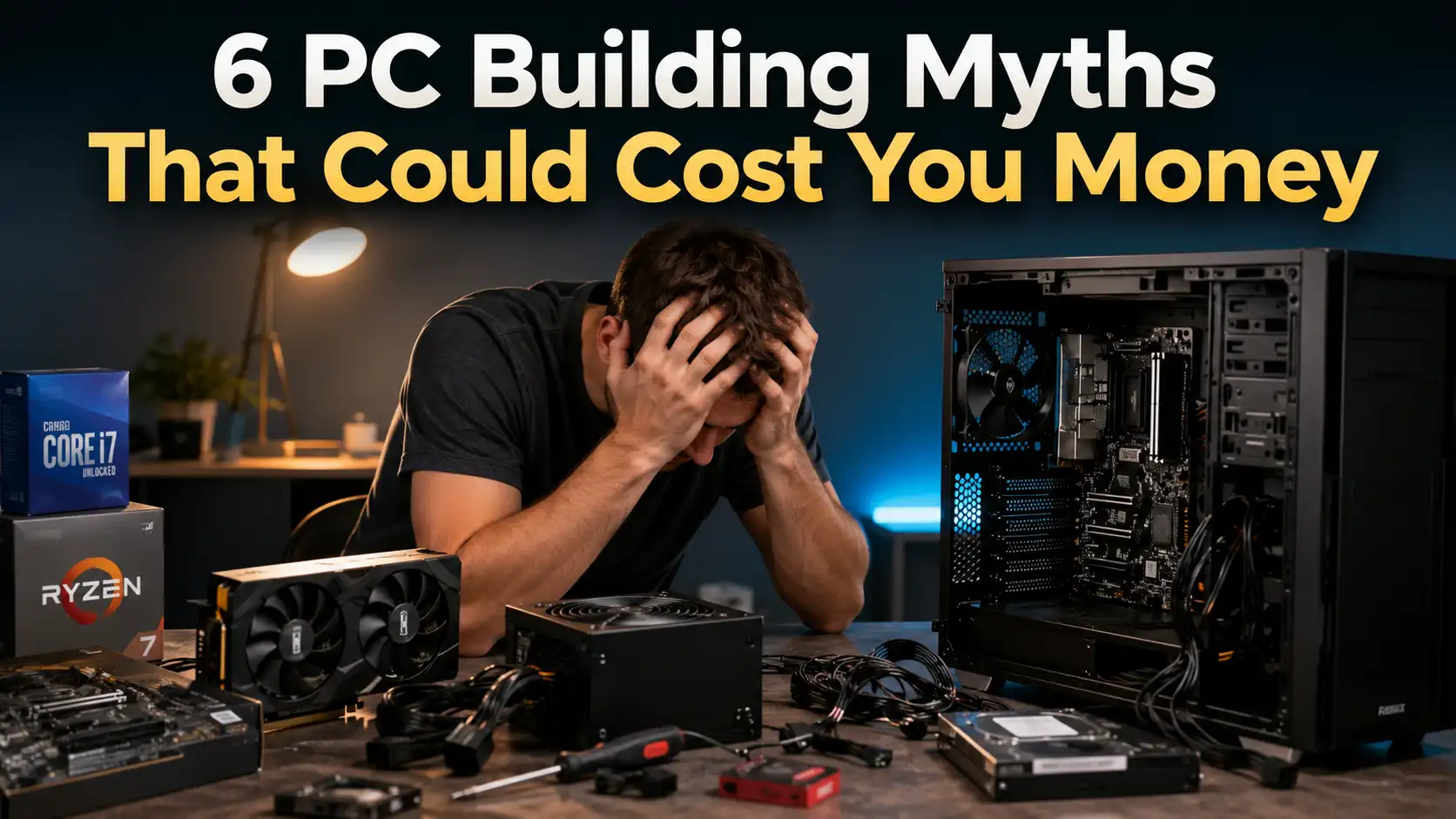
Building your own PC has become more accessible than ever before. Thanks to countless online tutorials, hardware reviews, and compatibility tools, almost anyone can assemble a custom computer with the right guidance and a little patience. Whether you’re building a gaming powerhouse, a workstation for creative projects, or a budget-friendly desktop for everyday tasks, a custom-built PC gives you greater flexibility, better upgrade options, and often more value for your money than many pre-built systems. It also allows you to choose components that perfectly match your needs instead of paying for features you’ll never use.
However, there’s one problem that continues to catch many builders off guard: misinformation. The PC hardware industry evolves incredibly fast, yet outdated advice remains everywhere. You’ll find conflicting recommendations on forums, social media, YouTube videos, and even from well-meaning friends who built a computer years ago. Some myths were partially true in the past but no longer apply to modern hardware, while others were never accurate in the first place. Unfortunately, following these misconceptions can lead to expensive mistakes that quietly eat away at your budget without delivering the performance improvements you expected.
The good news is that building a great PC isn’t about buying the most expensive components available. Instead, it’s about understanding how each part contributes to your overall system and investing your money where it actually makes a difference. By separating facts from fiction, you’ll avoid unnecessary spending, create a better-balanced build, and enjoy a smoother computing experience that fits both your needs and your budget. Let’s take a closer look at six PC building myths that continue to cost builders money every single year.
Why PC Building Myths Continue to Fool Buyers
One reason these myths refuse to disappear is the rapid pace of technological change. Every new generation introduces faster processors, more powerful graphics cards, quicker storage solutions, and improved cooling technologies. Advice that made perfect sense five years ago can become outdated surprisingly quickly, yet old articles and videos often remain online for years. New builders searching for information may unknowingly follow recommendations that no longer reflect today’s hardware performance or pricing, leading them to make purchasing decisions based on obsolete information.
Marketing also plays a significant role in keeping these myths alive. Hardware manufacturers naturally promote their flagship products using impressive benchmark numbers, premium features, and eye-catching designs. While those products can certainly be excellent, advertisements rarely explain whether every feature is actually useful for the average consumer. Bigger numbers, higher wattage, faster speeds, and more RGB lighting often sound attractive, but they don’t always translate into noticeable improvements in real-world use. Understanding what truly matters for your specific workload is far more valuable than simply chasing the latest trends.
6 Costly PC Building Myths Every PC Builder Should Stop Believing
Building a custom PC should be an exciting experience, not an expensive guessing game. Unfortunately, many builders end up spending far more than necessary because they believe outdated advice or misunderstand how modern hardware actually performs. Some myths encourage overspending on premium components, while others cause people to overlook the upgrades that genuinely improve performance. Before you finalize your parts list, make sure you’re not falling for these six costly PC building myths that could seriously impact your budget.
Myth 1: More Expensive Components Always Mean Better Performance
One of the most common mistakes first-time builders make is assuming that the highest-priced component is automatically the best choice. While premium hardware often offers additional features and impressive specifications, those extras don’t always translate into noticeable improvements for everyday users. Spending significantly more on one component can actually create an unbalanced system if it forces you to compromise on other important parts. A computer performs best when its components complement one another rather than when one part dramatically outclasses the rest.
Take gaming PCs as an example. Many people purchase a flagship processor believing it will dramatically increase gaming performance, only to pair it with a mid-range graphics card because they’ve exhausted their budget. In reality, modern games are usually far more dependent on GPU performance than CPU performance once you reach a certain processing level. The same principle applies to motherboards, SSDs, and memory. Premium models often include advanced features designed for enthusiasts or professionals, but most casual users never take advantage of them. Paying extra for features you’ll never use simply reduces your overall value.
Build a Balanced System Instead
Rather than focusing on the most expensive hardware available, prioritize balance. Match your processor with an appropriate graphics card, choose storage that fits your workload, and invest in reliable components from reputable brands. A balanced PC almost always delivers a better overall experience than a machine with one flagship component surrounded by budget hardware.
Myth 2: Bigger Power Supplies Are Always Better
Power supplies are among the most misunderstood components in a PC build. Many builders believe that buying a massive 1200W or even 1600W power supply guarantees better performance, improved reliability, and unlimited upgrade potential. While having some additional headroom is certainly a smart idea, purchasing far more wattage than your system will ever consume is usually an unnecessary expense. Bigger isn’t automatically better when it comes to power supplies.
Modern processors and graphics cards are significantly more power-efficient than many people realize. A gaming computer equipped with a mainstream CPU and a powerful mid-range graphics card often consumes well under 600 watts during demanding workloads. Even many enthusiast gaming systems rarely exceed 700 watts under normal conditions. Spending considerably more on a power supply that your computer will never fully utilize doesn’t improve gaming performance, loading times, or overall system responsiveness. Instead, it simply leaves less room in your budget for components that actually affect your experience.
Another misconception is that higher wattage automatically means higher quality. The reality is quite different. Internal build quality, voltage regulation, efficiency ratings, protection circuits, and manufacturer reliability are much more important than the wattage printed on the label. A high-quality 750W or 850W PSU from a trusted manufacturer is generally a far smarter purchase than a low-quality 1200W unit with questionable components.
Choose Wattage Based on Your Needs
Calculate your system’s expected power consumption, then choose a power supply that provides approximately 20–30% additional headroom for future upgrades and temporary power spikes. More importantly, prioritize quality over capacity. A reliable PSU protects every other component inside your computer, making it one of the smartest long-term investments you can make.
Myth 3: More RAM Always Makes Your PC Faster
Memory is one of the easiest PC components to upgrade, but it’s also one of the most misunderstood. Many people believe that simply installing more RAM will automatically make their computer significantly faster. It’s a common assumption because operating systems often report memory usage that appears high during normal tasks. As a result, some builders purchase 64GB or even 128GB of RAM for gaming or everyday computing, expecting dramatic improvements in speed. In reality, once your system has enough memory to comfortably handle your workload, adding more RAM usually provides little to no noticeable performance benefit.
For most modern gaming PCs, 16GB remains sufficient for a large number of titles, while 32GB has become an excellent sweet spot for gamers who also stream, multitask, or create content. Installing 64GB or more rarely increases frame rates because games generally don’t utilize that much memory. The same applies to office work, web browsing, and media consumption. Your computer won’t suddenly boot faster or launch applications instantly simply because you’ve doubled your memory capacity. If your existing RAM isn’t fully utilized, the additional memory simply sits idle without contributing to better performance.
Instead of focusing solely on capacity, it’s equally important to consider RAM speed and latency. Modern processors, particularly those designed for gaming, often benefit from faster memory configurations that improve communication between the CPU and RAM. While the difference isn’t always dramatic, choosing appropriately fast memory with reasonable timings can sometimes produce better real-world results than simply purchasing excessive amounts of slower RAM. Balance remains the key to maximizing value.
Buy the Right Amount of RAM
Choose your memory based on what you actually do with your PC. For most users, 16GB is still perfectly capable of handling everyday computing and gaming, while 32GB offers additional flexibility for multitasking, streaming, video editing, and creative workloads. Only professionals working with large virtual machines, complex 3D rendering, or heavy scientific applications are likely to benefit from 64GB or more. Spending your budget on a stronger graphics card or faster processor often produces much more noticeable improvements than buying memory you’ll never fully use.
For more troubleshooting tips, read Your Windows 11 PC Restarting by Itself? Here’s the Real Fix to solve random restart issues before assuming your hardware is the problem.
Myth 4: Liquid Cooling Is Always Better Than Air Cooling
Liquid cooling has become one of the most visually appealing features in modern PC builds. Large radiators, RGB fans, sleek pump designs, and customizable lighting make all-in-one (AIO) liquid coolers incredibly attractive, especially in showcase gaming systems. Because of their premium appearance and higher price, many builders automatically assume that liquid cooling always outperforms traditional air coolers. While liquid cooling certainly has advantages in specific situations, it isn’t automatically the best solution for every build.
Today’s premium air coolers are remarkably capable. Many high-end tower coolers can keep mainstream and even enthusiast processors running at excellent temperatures while producing surprisingly little noise. For gaming systems that don’t involve aggressive overclocking, a quality air cooler often delivers nearly identical real-world thermal performance compared to many mid-range AIO liquid coolers. In some cases, premium air coolers even outperform lower-quality liquid cooling solutions while requiring less maintenance and introducing fewer potential points of failure.
Reliability is another important factor that many builders overlook. Air coolers rely on a simple heatsink and one or two fans, making them mechanically straightforward and highly dependable over many years of use. Liquid coolers, on the other hand, include pumps, sealed tubing, coolant, and additional components that can eventually wear out. While modern AIO coolers are generally reliable, pump failure remains a possibility over time. If aesthetics aren’t your highest priority, investing in a premium air cooler can save money while providing excellent long-term reliability.
Choose Cooling Based on Your CPU
Instead of assuming liquid cooling is always superior, consider your processor’s actual cooling requirements. A mainstream gaming CPU paired with a quality air cooler can remain cool, quiet, and reliable for years. Reserve larger liquid cooling solutions for high-end processors with heavy workloads, extensive overclocking, or builds where appearance plays an equally important role alongside performance.
Myth 5: Future-Proofing Means Buying the Most Expensive Parts
The idea of future-proofing sounds incredibly appealing. After all, nobody wants to rebuild their computer every few years. This leads many builders to believe that purchasing the absolute best processor, graphics card, motherboard, and power supply available today will guarantee excellent performance for the next decade. While investing in quality hardware is certainly worthwhile, buying the most expensive components isn’t always the smartest way to prepare for the future.
Computer technology advances at an astonishing pace. Every few years, new processor architectures, graphics technologies, storage standards, and memory platforms significantly improve performance and efficiency. A flagship component purchased today may eventually be surpassed by a much cheaper mid-range product released several generations later. Spending hundreds or even thousands of extra dollars solely for the purpose of future-proofing often delivers diminishing returns because technology rarely stands still. By the time your premium hardware begins showing its age, newer and more affordable alternatives may already outperform it.
Another issue is that future hardware upgrades don’t always depend on individual components alone. Motherboard sockets change, memory standards evolve, PCIe generations improve, and power requirements shift over time. Buying an extremely expensive motherboard today doesn’t necessarily guarantee compatibility with hardware released many years later. Rather than attempting to predict technology several generations into the future, it’s often more practical to build a balanced computer today and plan incremental upgrades as your needs evolve.
Think Long-Term, Not Forever
Smart future-proofing isn’t about purchasing the most expensive hardware available—it’s about leaving room for sensible upgrades. Choose a quality motherboard with useful expansion options, buy a reliable power supply with reasonable headroom, and avoid overspending on flagship components that deliver only marginal improvements over mid-range alternatives. Building with future flexibility in mind almost always provides better long-term value than chasing maximum specifications today.
Myth 6: RGB Components Improve Performance
RGB lighting has become one of the defining trends in modern PC building. From illuminated fans and memory modules to motherboards, graphics cards, keyboards, and even power supply cables, colorful lighting effects are everywhere. A visually stunning computer can certainly make your setup feel more personalized and enjoyable. However, one of the funniest myths that continues to circulate within the PC community is the idea that RGB components somehow make your computer perform better. While the joke is usually made in good fun, some first-time builders genuinely spend a significant portion of their budget on RGB accessories while sacrificing hardware that actually impacts performance.
The truth is that RGB lighting has absolutely no effect on gaming frame rates, rendering speed, application loading times, or overall system responsiveness. A computer equipped with non-RGB components performs exactly the same as an identical system covered in customizable lighting. Although some premium RGB products are built with excellent quality, you’re often paying extra for appearance rather than additional performance. If your budget is limited, allocating that money toward a faster graphics card, larger SSD, better processor, or higher-quality power supply will almost always provide a far greater return on investment than decorative lighting.
That doesn’t mean RGB is a bad choice. For many enthusiasts, building a visually appealing PC is part of the hobby, and there’s nothing wrong with spending extra on aesthetics if performance requirements have already been met. The key is understanding that RGB should be viewed as an optional cosmetic upgrade rather than a performance enhancement. Once you’ve selected the right hardware for your needs, adding lighting effects can be a fun way to personalize your build without expecting any measurable speed improvements.
Treat RGB as a Bonus, Not a Priority
If you’re working with a fixed budget, prioritize the components that directly influence performance before considering cosmetic upgrades. Once you’ve invested in a capable processor, graphics card, sufficient memory, quality storage, and a dependable power supply, any remaining budget can be used to enhance the appearance of your setup. A beautiful computer is certainly satisfying, but a well-balanced computer that performs exactly as expected is even better.
Common PC Building Mistakes to Avoid
Even after avoiding the biggest PC building myths, it’s still possible to make small mistakes that reduce your system’s overall value or performance. One of the most common errors is failing to research component compatibility before purchasing parts. A processor may require a specific motherboard socket, memory kits may perform best with certain chipsets, and oversized CPU coolers or graphics cards may not fit inside every case. Spending a little extra time checking compatibility can prevent frustrating returns and unexpected expenses later. It’s equally important to compare real-world benchmarks instead of relying solely on product specifications, as advertised numbers don’t always reflect everyday performance.
Another frequent mistake is focusing too heavily on a single component while neglecting the rest of the build. Buying a flagship graphics card but pairing it with an outdated processor, insufficient memory, poor airflow, or a low-quality power supply can create performance bottlenecks and stability issues. Builders should also avoid ignoring future upgrade paths, purchasing unreliable budget power supplies, or overlooking case airflow simply because a case looks attractive. Taking a balanced approach and carefully planning your entire system will almost always result in a better-performing, longer-lasting computer than chasing individual high-end components.
Plan Before You Buy
Before placing your order, create a complete parts list and review how every component works together. Compare prices across multiple retailers, check professional reviews, verify compatibility using trusted tools, and consider your future upgrade plans. A little preparation can save hundreds of dollars and help you avoid replacing components sooner than expected.
Conclusion
Building your own PC doesn’t have to be an expensive learning experience. Many of the myths that continue to circulate throughout the PC community are based on outdated advice, misunderstood specifications, or clever marketing rather than real-world performance. Believing that more expensive parts are always better, assuming bigger power supplies automatically provide more value, or spending excessive amounts on unnecessary upgrades can quietly inflate your budget without delivering meaningful improvements. Understanding how each component contributes to your system allows you to spend your money far more effectively.
The best custom PC isn’t necessarily the one with the highest price tag—it’s the one that’s carefully balanced for your specific needs. By focusing on reliable components, realistic performance expectations, and smart budgeting, you can build a computer that delivers outstanding value today while remaining flexible enough for future upgrades. The next time you’re planning a new build, let facts guide your decisions instead of myths. Your wallet—and your PC—will thank you for it.
Frequently Asked Questions
1. Is it worth buying the most expensive graphics card for gaming?
Not necessarily. The best graphics card depends on your monitor’s resolution, refresh rate, and the types of games you play. Purchasing a flagship GPU for a standard 1080p display often provides little practical benefit compared to a more affordable option that already delivers excellent performance.
2. How much RAM do most gaming PCs actually need?
For many gamers, 16GB remains perfectly adequate, while 32GB offers additional headroom for multitasking, streaming, and newer game releases. Larger capacities are generally only beneficial for professional workloads such as video editing, 3D rendering, or virtualization.
3. Should I choose air cooling or liquid cooling for my first PC build?
A quality air cooler is usually the better choice for first-time builders because it’s easier to install, highly reliable, requires minimal maintenance, and provides excellent cooling for most mainstream processors. Liquid cooling becomes more attractive for high-performance CPUs, heavy overclocking, or users who prioritize aesthetics.
4. How important is the power supply in a PC build?
The power supply is one of the most important components because it delivers stable and reliable power to every part of your computer. Choosing a high-quality PSU from a reputable manufacturer is far more important than simply selecting the highest wattage available.
5. What’s the biggest mistake new PC builders make?
One of the biggest mistakes is building an unbalanced system by overspending on one premium component while compromising on others. A balanced build with compatible, well-matched hardware almost always delivers better real-world performance and better long-term value than a system focused on a single expensive part.