

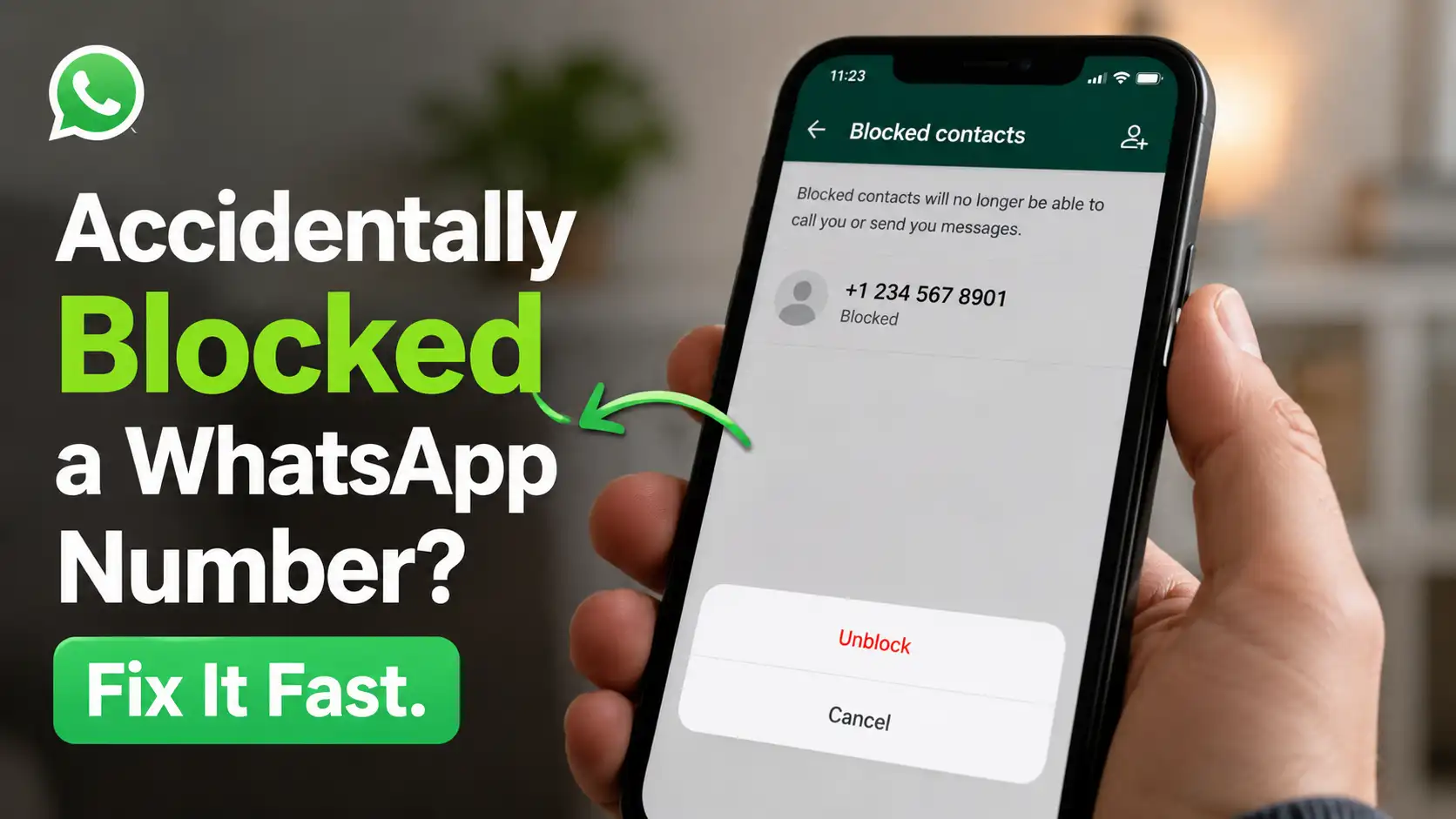
Have you ever opened WhatsApp in a hurry, tapped a few buttons too quickly, and suddenly realized you blocked the wrong person? It’s one of those tiny digital mistakes that can instantly create confusion. Maybe you were trying to delete a spam chat, mute a noisy conversation, or clear notifications before going to bed, and without noticing, you hit the “Block” option instead. The funny thing is that almost everyone who uses WhatsApp regularly has experienced some kind of accidental tap at least once. Smartphones are designed for speed, and while that makes messaging convenient, it also means one wrong press can completely change a conversation.
In some situations, accidentally blocking someone can even create awkward misunderstandings. Imagine blocking your boss before an important update, cutting off a family member who urgently needs to contact you, or accidentally blocking a close friend who thinks you’re ignoring them on purpose. A tiny mistake suddenly feels much bigger than it really is. Thankfully, WhatsApp makes the unblock process simple. You don’t need to reset your phone, contact support, or install any extra apps. In most cases, the problem can be solved in less than two minutes once you know where to look.
This guide will walk you through everything you need to know about accidentally blocking a WhatsApp number. You’ll learn why it happens so often, how to confirm whether someone is blocked, how to unblock contacts on Android and iPhone, what happens after unblocking, and how to avoid making the same mistake again in the future.
Why People Accidentally Block Contacts on WhatsApp
WhatsApp is designed to make communication quick and easy, but speed sometimes comes at a cost. The app places several important actions close together, which makes accidental taps surprisingly common. For example, the options to mute, delete, report, archive, and block chats are often only a tap or two apart. If you’re distracted, tired, or rushing through messages, it’s very easy to select the wrong option without realizing it immediately.
Misclicks During Chats
One of the biggest causes of accidental blocking is simple human error. People use WhatsApp while multitasking all the time. Some users reply to chats while walking, eating, watching TV, or even half asleep late at night. Imagine trying to clear annoying notifications quickly before going to work. You tap through menus rapidly, and suddenly you’ve blocked someone instead of muting them. It’s basically the smartphone version of sending a text to the wrong person.
Touchscreens also don’t help much. A slightly misplaced finger tap can completely change the action you intended to perform. Smaller phone screens make the issue even more common, especially for users with many active chats open at once. In many cases, users don’t even realize they blocked someone until hours or days later. Since WhatsApp doesn’t loudly announce that a person has been blocked, the mistake can go unnoticed for quite some time.
Spam Protection Confusion
WhatsApp constantly works to protect users from spam, scams, and suspicious numbers. Because of this, the app frequently encourages users to block or report unknown contacts. While this feature is useful, it can also lead to accidental blocks. Maybe you receive several messages from unknown numbers in one day, and while trying to remove spam, you accidentally block a legitimate contact who recently changed phone numbers.
Common accidental block victims often include:
- Delivery drivers
- Online sellers
- New coworkers
- Clients
- Relatives using temporary numbers
- School contacts
This usually happens because unsaved numbers look unfamiliar at first glance. Without a saved contact name, people sometimes assume the message is spam and block it immediately. Another common situation happens in group chats when someone messages you privately after sharing a group together, and because you don’t recognize the number, you accidentally block them while clearing notifications.
How to Know If You Blocked Someone on WhatsApp
Sometimes the signs are obvious, but other times users don’t realize they blocked someone until much later. Because WhatsApp blocking works silently in the background, there’s no giant warning screen reminding you that a person has been blocked. That’s why it’s important to understand the clues that can help you identify whether someone has accidentally been blocked.
Missing Messages and Calls
The most noticeable sign is sudden silence. If someone who usually messages or calls you regularly disappears completely, there’s a possibility you accidentally blocked them. When a contact is blocked, several communication features immediately stop working.
You also won’t receive:
- Voice calls
- Video calls
- Notifications from that person
- Status updates from them
From your side, it can almost feel like the person vanished from WhatsApp completely. Of course, silence alone doesn’t always mean someone is blocked. They could simply be busy, offline, or using another number. But if communication suddenly stops without explanation, checking your blocked list is a smart idea. Many users only realize their mistake after wondering why an important person suddenly stopped responding.
Contact Disappears From Interactions
Another sign involves reduced visibility inside the app. You may stop seeing profile photo updates, online status, last seen information, or status stories from that person. The chat itself usually remains, but interactions feel strangely frozen in time. Think of it like placing a thick glass wall between two people. The conversation history still exists, but active communication can no longer pass through.
It’s also important to remember that blocking someone does not automatically delete your old chats. Many users wrongly assume blocking removes everything, but existing messages stay unless you manually erase them. That’s actually helpful because it allows you to reopen the chat and quickly unblock the person if needed.
Can a Blocked Person Still Contact You?
No. Once blocked, a person cannot directly contact you through WhatsApp anymore. This includes text messages, voice calls, video calls, and certain profile interactions. Blocking is one of WhatsApp’s strongest privacy tools because it creates a complete communication barrier between both users.
Here’s what blocking does:
- Stops incoming messages
- Blocks calls and video calls
- Hides your online status from them
- Prevents them from seeing your updates in many cases
To the blocked person, messages may appear to send normally at first, but they won’t actually be delivered to your device. Usually, they’ll only see a single check mark instead of two. Calls also won’t connect properly, which often makes the blocked person think you’re offline or ignoring them.
One important thing many users misunderstand is that messages sent while blocked are permanently lost. WhatsApp does not store blocked messages and deliver them later after unblocking. That means if someone sends you several important messages during the blocked period, you will never receive them later. It’s similar to mailing letters to a locked mailbox that refuses all deliveries. Once rejected, the messages are gone for good.
How to Unblock Someone on Android
Android users can unblock contacts quickly through WhatsApp settings. The process is simple and usually takes less than a minute, making it easy to reverse accidental blocks without any technical knowledge.
Using WhatsApp Settings
To unblock someone, follow these steps carefully:
- Open WhatsApp
- Tap the three-dot menu in the top-right corner
- Go to Settings
- Tap Privacy
- Scroll down and select Blocked Contacts
- Find the number or contact you blocked
- Tap the contact name
- Select Unblock
Once completed, the person can contact you normally again. The blocked list is basically WhatsApp’s digital blacklist, where every blocked contact stays until manually removed. Some users are surprised to discover old blocked numbers they completely forgot about sitting quietly inside the list for years.
Unblocking From the Chat Screen
There’s also a faster shortcut if the old conversation still exists. Instead of opening multiple settings menus, you can unblock directly from the chat itself.
Follow these steps:
- Open the chat
- Scroll to the bottom
- Tap Unblock Contact
This method is especially convenient if you recently blocked someone by mistake and noticed immediately afterward. It’s one of the quickest ways to undo an accidental block before it becomes a bigger misunderstanding.
How to Unblock Someone on iPhone
If you use an iPhone, the process is nearly identical, although the menu layout looks slightly different because of iOS design. Open WhatsApp, tap Settings in the bottom-right corner, choose Privacy, and then tap Blocked.
To unblock someone on iPhone:
- Open WhatsApp
- Tap Settings at the bottom-right corner
- Go to Privacy
- Select Blocked
- Swipe left on the contact
- Tap Unblock
That’s all you need to do. Communication will immediately work normally again. Apple users often find the swipe gesture especially convenient because it makes managing blocked contacts feel smooth and intuitive. The good news is that whether you use Android or iPhone, WhatsApp blocking functions almost exactly the same way across both systems.
How to Unblock a Saved or Unsaved Number
Not every blocked number belongs to a saved contact. Sometimes users block unknown callers, business numbers, online marketplace sellers, temporary contacts, or delivery services. In these cases, WhatsApp may only display the raw phone number instead of a saved contact name.
Don’t worry though, because the unblock process remains exactly the same. If you’re unsure who the number belongs to, opening the old chat first can help refresh your memory. Sometimes a quick glance at previous messages instantly explains who the person is.
It’s also smart to save important numbers properly in your contacts list. Doing this reduces the chance of confusing legitimate contacts with spam accounts later on, especially when receiving messages from unfamiliar numbers.
What Happens After You Unblock Someone
Many people expect WhatsApp to fully restore everything after unblocking, but there are a few limitations you should understand. While future communication works normally again, certain things from the blocked period cannot be recovered.
Messages Sent During the Block
This is by far the most misunderstood part of WhatsApp blocking. Messages sent while blocked do not return after unblocking. They are gone permanently. If your friend sent photos, voice notes, or important updates during the blocked period, you won’t suddenly receive them later.
WhatsApp does not keep those messages waiting in storage. This sometimes creates confusion because the other person may assume you ignored them intentionally when, in reality, you never received anything at all.
Calls and Status Visibility
After unblocking, normal communication resumes again. Several WhatsApp features become active once more between both users.
Once unblocked:
- The person can call you again
- They can send new messages
- They may see your profile updates again
- Your online status may become visible depending on privacy settings
However, privacy controls still matter because even after unblocking someone, you can limit what they see. For example, you can still hide your last seen status, profile photo, or stories from certain contacts. This gives users more control without needing to completely block people unless absolutely necessary.
Common Problems When Trying to Unblock a Number
Occasionally, users experience small technical issues during the unblock process. Fortunately, most problems are easy to solve and only require a few quick troubleshooting steps.
Contact Not Appearing
Sometimes users cannot find the blocked number in their contacts list. This usually happens because the contact was deleted from the phone, the number was never saved, or WhatsApp failed to refresh properly.
Try these solutions:
- Refresh your contact list
- Restart WhatsApp
- Check if the number was deleted from your phone contacts
In most situations, the blocked number will reappear afterward without any further issues.
WhatsApp App Glitches
Like any app, WhatsApp occasionally experiences bugs or temporary glitches. If unblocking doesn’t seem to work correctly, updating WhatsApp to the latest version is often the fastest solution.
You can also try these fixes:
- Restart your phone
- Update WhatsApp
- Clear app cache on Android
- Reinstall WhatsApp if necessary
Most issues are caused by outdated app versions or temporary software hiccups that disappear after a quick update.
How to Avoid Accidentally Blocking Someone Again
Nobody enjoys awkward misunderstandings caused by accidental taps. Thankfully, there are several ways to reduce the chances of it happening again in the future.
Use Chat Lock Instead
Many users block people when they actually just want more privacy. Instead of blocking, consider using WhatsApp’s Chat Lock feature. Chat Lock allows you to hide conversations, protect chats with biometrics, reduce accidental exposure, and keep private chats secure.
Chat Lock lets you:
- Hide sensitive conversations
- Keep chats private
- Avoid accidental blocks
Think of it like placing sensitive conversations inside a locked drawer instead of cutting communication entirely. This feature is especially useful for people who share devices occasionally with family members or friends.
Double-Check Before Blocking
One simple habit can prevent most accidental blocks, and that habit is slowing down before tapping. Whenever WhatsApp shows a confirmation popup, take one second to actually read it carefully.
Many users instinctively tap through menus without paying attention, especially when tired or distracted. That tiny pause can save you from blocking coworkers, missing important messages, or creating unnecessary social misunderstandings later.
WhatsApp Privacy Features You Should Know
Blocking isn’t the only privacy tool available on WhatsApp. In fact, many users overuse blocking when gentler options would work much better. WhatsApp includes several useful privacy features that help manage conversations without completely cutting communication.
Useful features include:
- Muting chats
- Archiving conversations
- Hiding online status
- Restricting profile photo visibility
- Controlling who can add you to groups
For example, muting a noisy group chat is usually smarter than blocking multiple contacts individually. Archiving chats can also help clean your inbox without removing communication access completely. WhatsApp has gradually added more privacy tools over the years, giving users much more flexibility than before.
If you can’t access a website, you can read Can’t Access a Website? Fix Your Connection Is Not Private Now for a complete guide to fixing the connection not private error quickly and safely.
Why Accidentally Blocking Someone Isn’t a Big Deal
A lot of users panic after realizing they accidentally blocked someone, especially if it’s an important person like a boss, family member, or close friend. But honestly, it’s a very common mistake that happens to people all the time.
Most people won’t even notice unless they actively tried contacting you during that exact period. And even if they did notice, a simple explanation usually clears things up quickly. Modern apps are filled with tiny buttons, hidden menus, and fast gestures, so digital mistakes happen constantly.
Think about all the other accidental smartphone moments people experience every day, such as:
- Sending unfinished texts
- Calling someone unintentionally
- Liking old social media posts by mistake
- Typing embarrassing autocorrect errors
Compared to those situations, accidentally blocking someone is relatively harmless and easy to fix. Technology moves fast, and sometimes our fingers move even faster. The important thing is knowing that the issue can usually be solved within seconds once you understand how WhatsApp blocking works.
Conclusion
Accidentally blocking a WhatsApp number can feel stressful at first, especially when it involves someone important. Fortunately, the solution is quick, simple, and completely manageable. Whether you’re using Android or iPhone, you can unblock someone in just a few taps through WhatsApp’s privacy settings or directly from the chat itself.
The most important thing to remember is that messages sent during the blocked period cannot be recovered later. That’s why it’s helpful to fix accidental blocks as soon as you notice them. Once unblocked, future messages, calls, and interactions will work normally again.
To avoid repeating the same mistake, take advantage of WhatsApp’s other privacy features like muting, archiving, and chat locking. Sometimes those tools are a much better solution than blocking altogether. At the end of the day, accidental blocks are simply part of modern smartphone life, and one wrong tap doesn’t have to become a major problem when the fix is only a few seconds away.
FAQs
1. Will someone know if I unblock them on WhatsApp?
WhatsApp does not send a direct notification when you unblock someone. However, the person may realize it because they can suddenly send messages and make calls again successfully.
2. Can I recover messages missed during the block?
No. Messages sent while the contact was blocked are permanently unavailable and cannot be restored later after unblocking.
3. Does blocking someone delete the chat history?
No. Blocking only stops communication. Your previous conversation history stays on your device unless you manually delete the chat yourself.
4. Can a blocked person still see my old profile picture?
Sometimes cached profile images may remain temporarily visible, but updated profile photos and status changes usually become hidden from blocked contacts.
5. Is muting better than blocking on WhatsApp?
It depends on your goal. Muting is ideal for reducing notifications without ending communication, while blocking completely prevents messages and calls from reaching you.